< 1 min leestijd
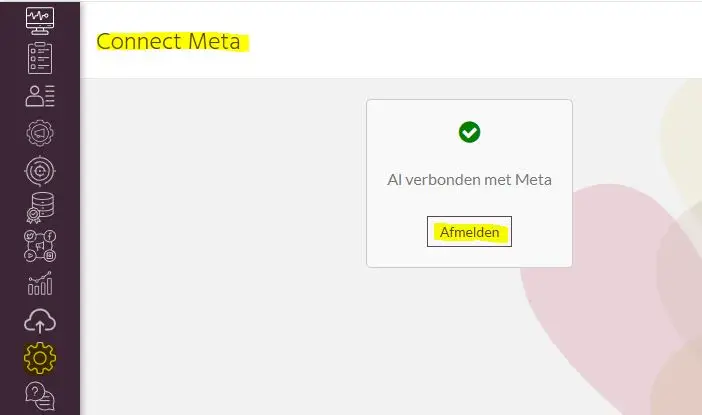
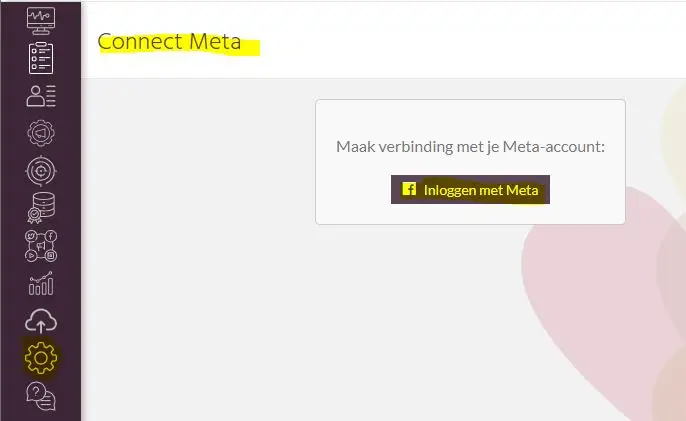
You have set up a connection to Meta via MyMip and want to delete this connection again. To do this, you need to log out again. Follow the steps below to do this.
Log into MyMip.
Then choose the "Meta" submenu.
To deactivate this connection back, choose "Unsubscribe.